
MacBook Pro M4 16-inch Original Internal LCD Replacement in Dubai Full Brightness, No Full-Assembly Price
A damaged 16-inch MacBook Pro M4 Pro (A3403) display, restored with an original internal LCD panel instead of a whole new assembly — full XDR brightness, colour and contrast back, with True Tone and ProMotion preserved, for a fraction of the price.
Original-grade panels · True Tone & ProMotion kept · 380+ reviews
Screen work by Richard — 18 years on MacBook screens · Free pickup across Dubai
The Quick Answer
A MacBook Pro M4 Pro 16-inch came into MacTech Pro with a damaged display and left with a flawless one, restored with an original internal Screen rather than a whole new display assembly. Because the lid, camera and antennas were fine, we replaced just the damaged panel, which brought back the full brightness, colour accuracy and deep contrast of its mini-LED XDR screen for a fraction of a full-assembly cost, with True Tone and ProMotion preserved and everything tested end to end. Damaged MacBook screen? Call MacTech Pro on +971 50 951 6827.
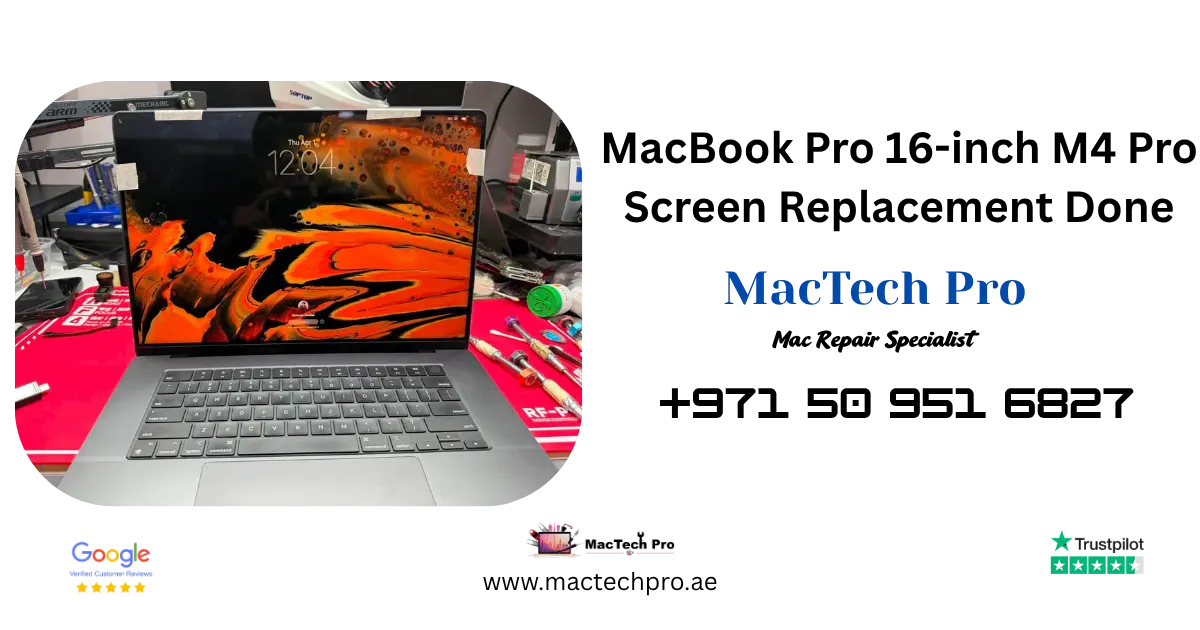
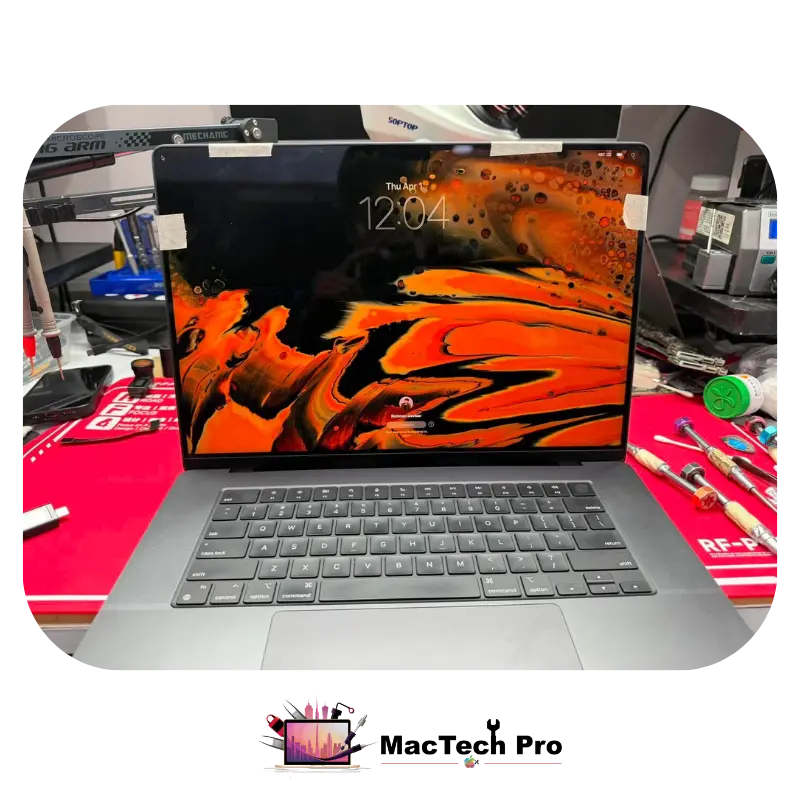
Another MacBook Pro M4 Pro 16-inch walked out of MacTech Pro today with a brand-new screen, and, just as importantly, without its owner paying for a whole new display assembly.
It came in with a damaged display. What left was a machine that looked exactly like the day it was bought, full brightness, deep blacks, accurate colour, the lot. Here’s how we did it, and why the way we did it saved the customer a serious amount of money.
About the MacBook Pro M4 Pro 16-inch and Its Display
The A3403 is the 16-inch MacBook Pro with the M4 Pro chip, one of the most capable laptops Apple makes. And its screen is a big part of why people buy it. It’s a mini-LED Liquid Retina XDR display, extreme dynamic range, ProMotion running at up to 120Hz, and peak brightness reaching up to 1600 nits. It’s the kind of panel colourists, photographers and video editors actually trust to show them the truth of an image.
Which is exactly why a damaged one is such a headache. A screen that good isn’t cheap, and the way most places replace it makes it cost even more than it has to.
The Smart Way to Replace a MacBook Screen
When a MacBook screen is damaged, there are really two ways to fix it.
The first, and the one most shops reach for by default, is to replace the entire display assembly: the panel, the lid, the hinges, the camera, the antennas, all of it, as one sealed unit. It’s quick for them, and expensive for you, because you end up paying for a stack of parts that were never broken in the first place.
The second is what we did here: replace the internal LCD panel only. The lid, the camera, the antennas and the housing on this machine were all perfectly fine, so there was no reason to throw them away. We removed just the damaged panel and fitted a new, original one into the customer’s existing assembly. Same end result, a flawless screen, for a fraction of the price of a full assembly.
Why We Use an Original Panel
On a display this good, the panel you put back matters enormously. A cheap or off-spec replacement might light up and look fine on the counter, then let you down where it counts, washed-out colour, uneven brightness, a dimmer picture, or an early failure a few months later. On an XDR-class display, those compromises are impossible to hide.
So we fit an original-grade LCD, the same quality of panel the machine shipped with. That’s how you get back the brightness, the colour accuracy and the deep contrast the A3403 is known for, the real thing, not a rough approximation of it.
How the Repair Was Done
Replacing an internal panel properly is precise, patient work, not a five-minute swap.
The panel is bonded into the display assembly, so the first job is separating it cleanly, with controlled heat, without nicking the delicate flex cables or disturbing the optical layers underneath. Everything happens on a dust-controlled bench, because on a screen this precise, a single speck of dust trapped behind the glass shows up the instant the backlight comes on.
We transferred the original cables, seated the new panel, and aligned it so it sat perfectly flush in the frame. Then, and this is the step cheaper repairs quietly skip, we calibrated it, so the display behaves exactly as Apple intended.
True Tone and ProMotion, Preserved
This is where a lot of budget screen repairs fall short. Done properly, an internal panel replacement keeps the machine’s display features fully intact. After our repair, True Tone still works, adjusting the screen’s white balance to the light around you, and ProMotion still works, driving the display at up to 120Hz for that smooth, fluid motion the Pro is built for. Skip the calibration, the way the cheaper shops do, and you can lose those features for good. We never cut that corner, and on a machine at this level, it would be a real loss.
Tested Before It Went Back
No screen leaves MacTech Pro until it’s been checked properly, end to end:
- Brightness across the full range, including peak XDR output
- Even backlight and uniformity, no bright spots or dark patches
- Colour accuracy and deep, true blacks
- True Tone working correctly
- ProMotion running at up to 120Hz
- No dead or stuck pixels anywhere on the panel
Only once all of that passed did we call the job done.
The Result
Fully working, fully tested, and at a price that made far more sense than a complete assembly swap.
Who does the work
Richard
This panel-only XDR replacement is exactly Richard’s speciality. With 18 years replacing 13, 14, 15 and 16-inch MacBook Air and Pro screens — including years at the heart of the parts industry in China — he fits the correct original-grade panel, tests every screen before and after with a professional LCD analyzer, and refits every single screw, with the work done in front of you wherever possible. Board-level and liquid work is handled by our lead technician Dan. Meet Richard →
When Can You Replace Just the Panel?
Panel-only replacement isn’t always the answer, it depends on the condition of everything around the screen. It’s the right call when:
- The lid and hinges are undamaged
- The camera and antenna area at the top of the lid are fine
- The backlight layers are in good condition
- The damage is limited to the panel itself
When those parts are damaged too, a full assembly is the honest recommendation, and we’ll always tell you which one your machine genuinely needs before we start. No upselling, no fixing things that aren’t broken.
Signs Your MacBook Screen Needs Attention
It isn’t always a dramatic crack. Bring your Mac in if you’re seeing any of these:
- Cracks, or spreading pressure marks and dark “ink-blot” patches across the display.
- Vertical or horizontal lines running through the screen.
- Flickering, or a display that dims and brightens on its own.
- A dark screen with a faint image (often a backlight fault, which isn’t always the whole panel).
- Dead or stuck pixels, or patches of discoloration.
If any of that sounds familiar, bring it to MacTech Pro, or call first on +971 50 951 6827, and we’ll tell you whether it needs a panel or a full assembly, and what it’ll cost, before you commit.
Why Dubai Customers Choose MacTech Pro for Screen Repairs
A screen repair on a premium machine is easy to get wrong and expensive to get wrong. Here’s why customers across the city trust us with it:
- Internal panel-only replacement where possible, so you don’t pay full-assembly prices for parts that aren’t broken
- Original-grade LCD panels, for true brightness, color and contrast, not a cheap look-alike
- True Tone and ProMotion preserved through proper calibration
- Work done on a dust-controlled bench, so no trapped dust behind the glass
- Every screen fully tested before it goes back, and your data never touched
- Honest advice, panel or full assembly, whichever your machine actually needs
- Serving customers right across Dubai, including Dubai Sports City, Motor City, Dubai Marina, Downtown Dubai, Business Bay, Al Barsha, JLT, JVC, and Deira, with a warranty on the work
MacBook Pro screen replacement in Dubai
MacTech Pro is an independent Apple-device specialist in Dubai Sports City, and MacBook screen replacement — including original internal panel-only jobs on XDR displays — is one of our core specialisms. Every job runs on a No Fix, No Fee basis.
How a screen job works with us
Free diagnosis, panel-or-assembly quote
We check the lid, camera, antennas and backlight before quoting, then tell you honestly whether you need a panel-only replacement or a full assembly — and give you a fixed price you approve before any work begins. See the MacBook screen repair cost guide for typical ranges.
Replaced in front of you, every screw refitted
Wherever possible, Richard replaces your screen in front of you, tests every panel before and after on an LCD analyzer, and refits every screw for a factory-grade finish.
Free pickup and delivery across Dubai
We collect your MacBook anywhere in Dubai, replace the screen at our Dubai Sports City bench, and return it — free of charge — or you’re welcome to walk in.
More from MacTech Pro
What Our Dubai Customers Say
Frequently Asked Questions
Often just the panel. If the lid, hinges, camera and backlight are all in good condition, MacTech Pro can replace the internal LCD panel on its own and fit it into your existing assembly, which costs far less than a full display unit. If the surrounding parts are also damaged, we’ll tell you honestly. Call MacTech Pro on +971 50 951 6827 to find out which your machine needs.
Yes, when it’s done properly. We fit an original-grade panel and calibrate it, so True Tone and ProMotion (up to 120Hz on the Pro) keep working exactly as before. Cheaper repairs that skip calibration can lose these features, MacTech Pro doesn’t. Questions? Call +971 50 951 6827.
We use original-grade LCD panels, the same quality the machine shipped with, so you get back the real brightness, colour accuracy and contrast, especially important on an XDR display like the A3403’s. For details on your model, call MacTech Pro on +971 50 951 6827.
It depends on whether your machine needs a panel-only replacement or a full assembly, which is why we diagnose before quoting, but panel-only is a fraction of a full assembly. Call MacTech Pro on +971 50 951 6827, tell us what’s happened to the screen, and we’ll give you a realistic price.
No. A screen or panel replacement doesn’t touch your storage, your files and everything on the machine stay exactly where they are. If you have any concerns, mention them when you call MacTech Pro on +971 50 951 6827.
Yes, very often. Lines and flicker can come from the panel itself or a tired display cable, not always a crack, and both are repairable, frequently panel-only. Bring it in or call MacTech Pro on +971 50 951 6827 and we’ll diagnose the exact cause.