
MacBook Air M3 A3113: Black Screen Caused by Logic Board Damage
The Mac still chimed, Caps Lock worked and USB-C showed a normal boot — but the screen stayed completely black. Testing proved the panel was fine; the real fault was the backlight circuit on the 820-03285 board. We fixed it without replacing the screen.
Screen tested before replacement · Original screen kept · 380+ reviews
Done by Dan’s bench · Free pickup & delivery across Dubai
Quick Answer
A 13-inch MacBook Air M3 A3113 arrived with physical damage and a completely black display, even though it still chimed, responded to Caps Lock and showed normal USB-C boot current. Testing the screen on another Mac proved the panel was fine — the fault was on the 820-03285 logic board. Measurements showed every display rail present except the backlight output (PPVOUT_LCDBKLT at 0 V). MacTech Pro traced it to a broken, shorted JP600 pin 57, then a damaged backlight controller circuit (RP844 burnt, UP800 faulty). Replacing JP600, RP844 and UP800 restored the display and backlight — with the customer’s original screen kept. Black screen but your Mac still boots? Call +971 50 951 6827.
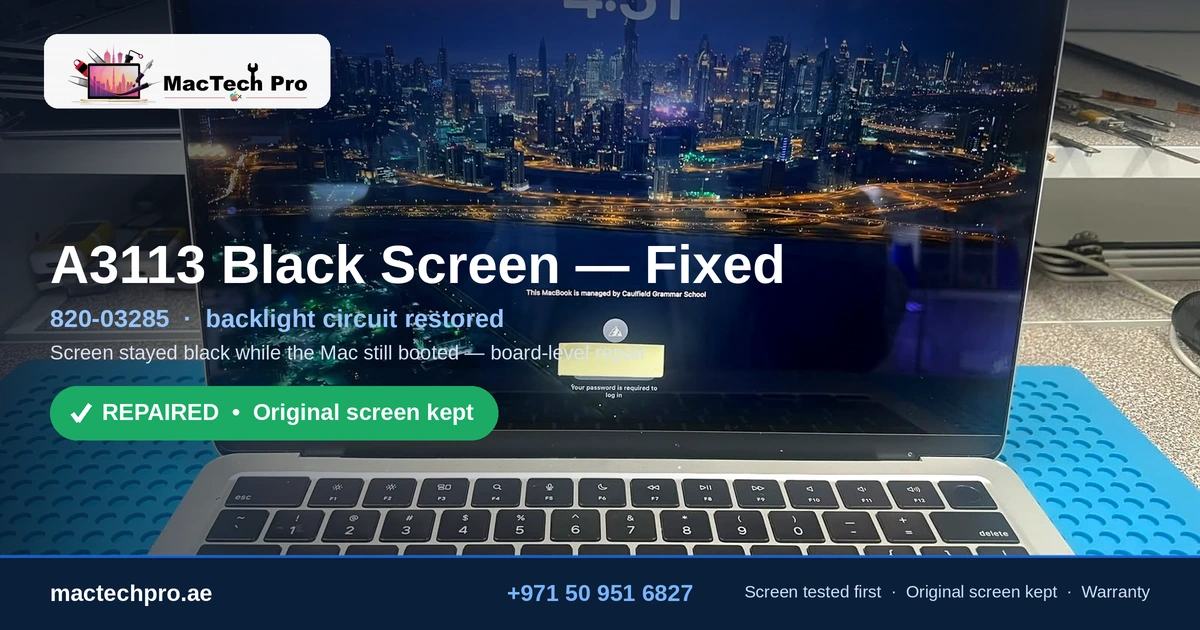
This 13-inch MacBook Air M3 A3113 came to MacTech Pro with physical damage and a completely black screen.
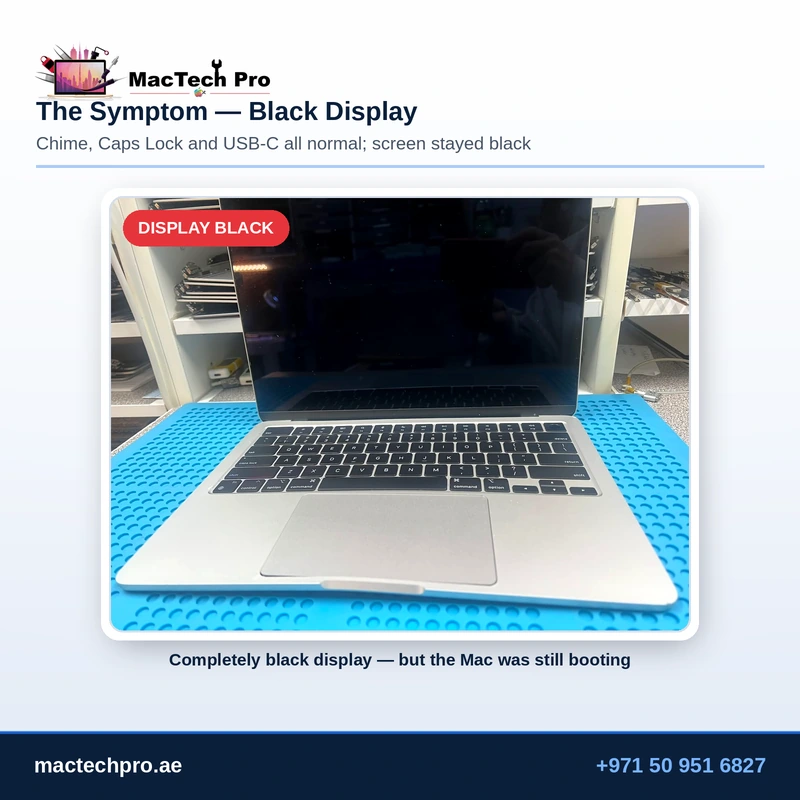
The MacBook was still starting normally:
- Startup chime was present
- Caps Lock responded
- USB-C current showed normal boot behaviour
- Display remained completely black
At first, the problem looked like a damaged LCD and a straightforward screen replacement.
Before replacing the screen, we tested it on another compatible machine.
The screen worked perfectly.
This confirmed that the display itself was not the problem. The fault was on the 820-03285 logic board.
Checking the display power rails
We measured the main LCD and display power rails:
- PP3V3_SW_LCD: 3.3 V
- PP1V8_DISP: 1.8 V
- PP1V8_S2: 1.8 V
- PP5V_SW_MINNIE: 5 V
- PP1V25_SW_MINNIE: 1.25 V
- PPVOUT_LCDBKLT: 0 V
The missing backlight output pointed us toward the backlight circuit.
Finding the physical damage
Microscope inspection revealed that JP600 pin 57 was broken and shorted, consistent with the physical impact.
We replaced JP600 and removed the short.
However, the MacBook still had a black screen.
The backlight output had improved to approximately 0.93 V, but this was still not the expected voltage.
So the diagnosis continued.
Finding the backlight circuit fault
Further testing identified two additional problems:
- UP800 VDDD was showing an abnormal diode reading.
- RP844 had a visible burn mark.
This confirmed that the backlight controller circuit had also been damaged.
We replaced RP844 and UP800, then retested the MacBook.
The display and backlight returned to normal operation.
Final result
The MacBook was fully functional again without replacing the original screen.
- Original LCD saved
- Logic board repaired
- Backlight circuit restored
- MacBook tested and working normally
Why testing before replacing parts matters
A black screen does not always mean the LCD panel is faulty.
On newer MacBook Air models, including M2–M5 machines, a backlight failure can result in a completely black display even while the Mac itself continues to boot normally. You may not see a dim Apple logo or a faint image.
In this case, testing the screen first prevented an unnecessary screen replacement and led us to the actual fault on the logic board.
Who does the work
Dan
This A3113 black-screen diagnosis and micro-soldering is exactly the board-level work Dan handles at MacTech Pro — testing the screen first, measuring the display rails, and repairing the backlight circuit so the customer keeps the original screen. Our screen and display replacement side is run by Richard. Meet the technician →
What Our Dubai Customers Say
MacBook black screen & board repair in Dubai
MacTech Pro is an independent Apple-device specialist in Dubai Sports City, and board-level faults like this A3113 backlight failure are exactly the kind of component work we do every week. Every job runs on a No Fix, No Fee basis.
How a black-screen job works with us
Screen tested before anything is replaced
A black screen does not always mean the panel. We test the display first and measure the board’s display and backlight rails, so you do not pay for a screen you did not need.
Original screen and board kept where possible
Component-level repair of the backlight circuit means your original screen and logic board stay with the machine; a full screen or board swap is the last resort, not the first.
Free pickup and delivery across Dubai
From Deira to the Marina, we collect your MacBook, diagnose and repair it at our Dubai Sports City bench, and return it — free of charge.