
MacBook Water Damage Repair in Dubai: How MacTech Pro Recovered a “Dead” MacBook Pro
Case study, a 13-inch MacBook Pro dead after a bottle leak, recovered by MacTech Pro in Dubai. Ultrasonic clean, 7 corroded components replaced, oscilloscope and thermal-camera diagnosis of a shorted RTC rail, data saved. Liquid damage & logic board specialists. Call +971 50 951 6827.
Component-level repair · Genuine-grade parts · 380+ reviews
Done by Dan's bench · Free pickup & delivery across Dubai
The Quick Answer
A 13-inch MacBook Pro came into MacTech Pro in Dubai dead after a water bottle leaked onto it in a backpack, and the owner’s priority was the unbacked-up files and photos on the drive. We didn’t power it on, cleaned the board ultrasonically, and replaced 7 corroded components. A multimeter read 0V on the main power rail, but an oscilloscope revealed the board was spiking to 8.7V then collapsing, it was trying to boot and failing. We traced it to a shorted RTC rail, confirmed it with a thermal camera, replaced the component, and the board booted normally. The data was recovered in full. Liquid damage? Turn it off, don’t charge it, and call MacTech Pro on +971 50 951 6827.
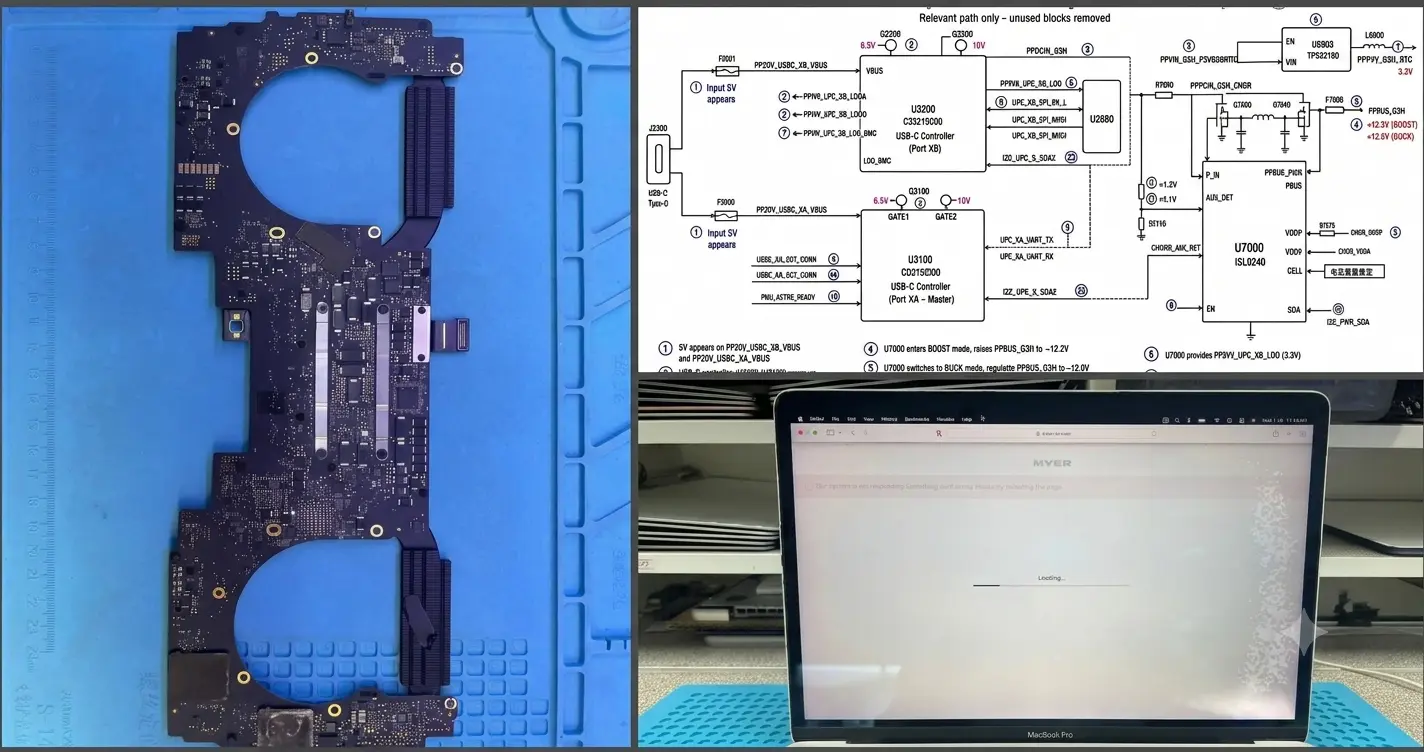
A customer walked into MacTech Pro with a 13-inch MacBook Pro that simply wouldn’t turn on.
The night before, a water bottle had come loose in his backpack and emptied itself, straight onto the laptop. He found it dead in the morning. By the time he reached us it had been sitting switched off for the best part of a day, and the machine itself wasn’t really what was worrying him. It was the years of project files and photos on the drive, none of it backed up anywhere else. That was the part he wanted saved.
We hear that a lot. And with liquid damage, the honest truth is that the outcome depends almost entirely on two things: what the owner does in the first ten minutes, and what the repair does in the first hour on the bench. So it’s worth walking through this one properly, because it’s a good example of both.
Step One: We Didn’t Power It On
Reach for the charger, hold the power button, hope it springs back to life, that’s the instinct with any dead laptop. With a liquid spill, it’s also the quickest way to turn a repairable board into scrap.
Here’s why. Water doesn’t just sit there politely. Where it has bridged two points on the board that were never meant to touch, it opens a path for current to flow where it shouldn’t. Push power through that path, and you can finish off in a second what the spill only started, traces burn, components short, and a board that was recoverable an hour ago isn’t anymore.
So we left it off. No charger, no power button. We opened it up, lifted the board out, and started where you’re supposed to start on a liquid job: cleaning, not powering.
Why the Clock Matters
Even switched off, a wet board isn’t sitting still. The minerals and residue in tap or bottled water keep working long after the liquid itself has dried, quietly corroding pads, component legs, and the fine traces running between them. That’s why a Mac that “seemed fine” for a few days can suddenly die, and why a spill that looked minor can turn into a long repair. Liquid damage isn’t a single event, it’s a process, and every day the machine sits, that process spreads a little further. It’s the single biggest reason we tell people not to wait.
What the Repair Actually Involved
With the board out and powered down, our technician worked through it start to finish. The story is worth telling in full, because this is where diagnosis earns its keep.
First, an ultrasonic clean. The board goes into a bath that shakes residue and mineral deposits loose from exactly the places a brush or cloth can’t reach, under and around the components. On a liquid job that step isn’t optional, you can’t properly diagnose a board you can’t clearly see.
Under magnification, the damage showed itself: corrosion clustered around several small components near the charging and power-delivery circuit. We replaced seven corroded resistors and capacitors in that area, then moved on to testing.
A USB-C power meter told the first part of the story. Plugged in, every port pulled current, for a split second, then cut out. Something was starting, then stopping itself.
The multimeter went onto the main power rail, PPBUS_G3H. It read 0V. On its own, that’s a dead end, it tells you no power is getting through, but not one word about why. So we switched to the oscilloscope on the same rail, and that’s where the board finally spoke up. Instead of a flat zero, the scope caught the rail briefly spiking to around 8.7 volts, then collapsing back down. The DC-in rail did the same, a quick rise, then a drop.
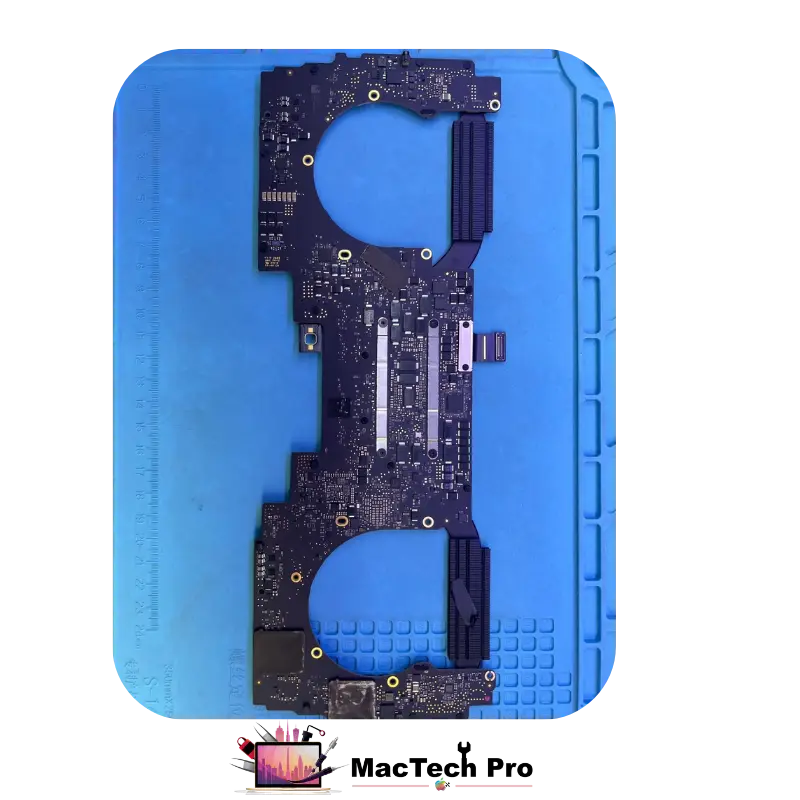
So we followed the power-on sequence step by step, rail by rail, to see where it fell over. It led to a shorted rail feeding the RTC circuit, the real-time clock, confirmed with a diode-mode reading close to zero, the classic signature of a dead short. To pin down the exact faulty component without risking anything else, we used controlled voltage injection, feeding a safe, limited voltage into the suspect rail. Then the thermal camera did the last of the work: one component quietly warmed up under load while the rest of the board stayed stone cold. When a single part is heating and nothing around it is, that’s your short, sitting right there in the open.
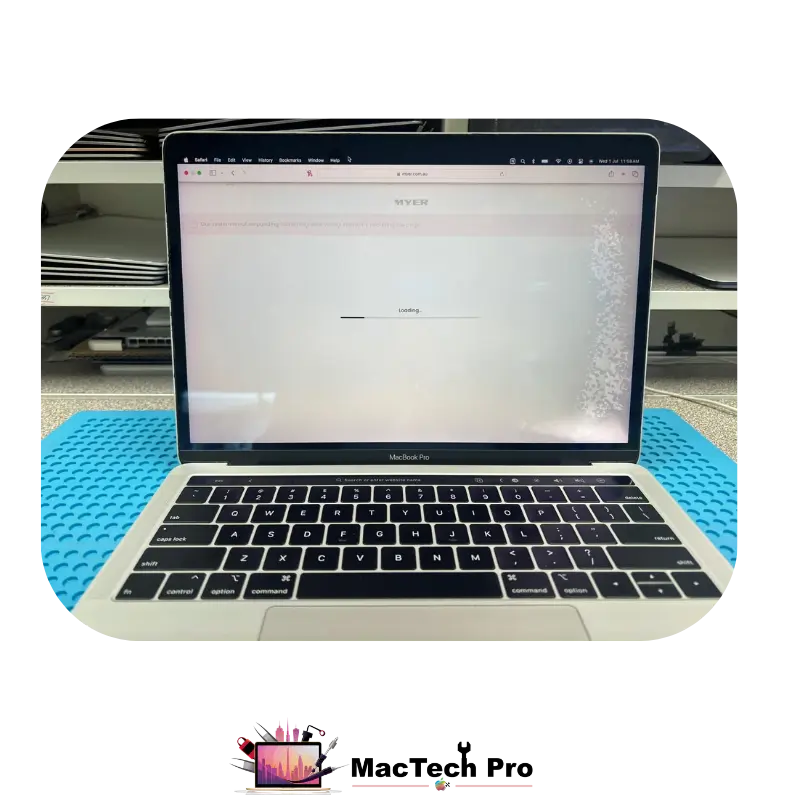
We replaced that component and powered the board. It booted, normally, first time. And before it went anywhere near the customer, we pulled his data off the drive, the files and photos he’d walked in for. Recovered, intact.
The sequence, in short
- Ultrasonic cleaning to remove residue and mineral deposits left by the spill
- Inspection under magnification, corrosion found around the charging and power-delivery circuit
- Replaced 7 corroded resistors and capacitors in that area
- USB-C power meter, all ports drew current for a split second, then cut out
- Multimeter on the main power rail (PPBUS_G3H) read 0V, which alone only says ‘no power,’ not why
- Oscilloscope on the same rail showed the rail spiking to ~8.7V, then collapsing
- The DC-in rail showed the same rise-and-drop, the board was trying to boot and failing partway through
- Followed the power-on sequence step by step to isolate the failure point
- Found a shorted rail feeding the RTC circuit, confirmed with a near-zero diode-mode reading
- Used controlled voltage injection to safely test the suspect rail
- Thermal camera pinpointed the one component heating up under load, the short
- Replaced that component, the board booted normally
- Recovered the customer’s data from the drive before handing the MacBook back
Why This Case Shows Why Diagnosis Matters
A 0V reading on a multimeter is one of the most misleading results in this work. It looks definitive, and it tells you almost nothing. It confirms the obvious, the laptop isn’t getting power, and then stops exactly where the useful information begins. What actually matters is the split second before the rail drops to zero, and a multimeter simply can’t show you that. An oscilloscope can.
Think of it like a doctor with a stethoscope versus a single still photo. The photo shows a heart that isn’t beating right this instant. The stethoscope hears the rhythm, catches the murmur, and tells you what’s happening moment to moment. On this board, that brief rise-and-collapse on two separate rails was the murmur, it told us the board wasn’t dead, it was aborting a normal boot, which pointed us straight at a specific fault instead of a written-off machine.
That’s the whole difference between swapping parts until something works and genuinely finding the fault. It’s slower, it needs the right tools and the patience to use them properly, and it’s the reason a board another shop might call “unrepairable” can walk out working. Component-level repair isn’t magic. It’s proper diagnosis, followed by fixing the one thing that’s actually broken.
What to Do if Your MacBook Gets Wet
If your MacBook, or any laptop, has been in contact with water, coffee, juice, or anything else, a few simple things make a real difference:
- Switch it off immediately if it isn’t already. Don’t wait to “see if it’s fine.”
- Don’t charge it, and don’t keep pressing the power button to force it on. That single action is the most likely to make things worse.
- Don’t shake it or tip it out over a sink, that only pushes liquid into places it hasn’t reached yet, including the screen.
- Get it checked as soon as you can. With liquid, sooner is genuinely better, every day the corrosion spreads further.
And the bag of rice? A myth we’d happily retire. Rice does nothing useful. A proper ultrasonic clean does. If it’s already happened, call MacTech Pro on +971 50 951 6827 and we’ll take it from there.
Why Dubai Customers Bring Liquid-Damaged MacBooks to MacTech Pro
We work on liquid damage and logic board faults regularly, not occasionally, and that’s exactly the kind of repair that separates a board-level shop from a general repair counter. A few things that matter here:
- We diagnose with a multimeter, oscilloscope, and thermal camera, not guesswork or part-swapping
- Data recovery is treated as a priority, not an afterthought, especially when the drive itself is intact
- Every board-level repair is tested under load before the laptop goes back to you
- We serve customers across Dubai, including Al Barsha, Business Bay, Downtown Dubai, Dubai Marina, JLT, and Deira
- Repairs come with a warranty
Who does the work
Dan
The oscilloscope, thermal-camera and voltage-injection diagnosis in this case study is exactly the board-level work Dan handles at MacTech Pro — reading a live rail, isolating a short, and recovering the data on liquid-damaged Macs. If another shop has called a board “unrepairable,” he’s usually the one who proves otherwise. Our screen and display side is run by Richard. Meet the technician →
MacBook water damage repair in Dubai
MacTech Pro is an independent Apple-device specialist in Dubai Sports City, and liquid damage is one of our core board-level specialisms. Every job runs on a No Fix, No Fee basis.
How a liquid-damage job works with us
Free diagnosis, honest quote
We diagnose the board before quoting — because, as this case shows, the real cost depends on how far the corrosion has spread — and give you a fixed price you approve before any work begins.
No Fix, No Fee
If we can’t recover the board, you don’t pay the labour. Your data is treated as the priority throughout.
Free pickup and delivery across Dubai
We collect your MacBook anywhere in Dubai, repair it at our Dubai Sports City bench, and return it — free of charge — or you’re welcome to walk in.
More from MacTech Pro
Frequently Asked Questions
Switch it off if it isn’t already, don’t plug in the charger, and don’t hold the power button trying to force it on. Then bring it to MacTech Pro as soon as you can on +971 50 951 6827. The earlier we see it, the more likely we can stop the corrosion before it spreads.
In most cases, yes. The drive is often unaffected even when the board itself won’t power the machine. We check the drive’s condition early, before any board-level repair begins, so call +971 50 951 6827 and let us know data recovery is your priority.
Not on its own. A multimeter tells you a rail has no voltage, but not why. An oscilloscope shows what’s actually happening on that rail in real time, which is often the only way to find a fault hiding behind a normal-looking short. This is standard practice at MacTech Pro, for specifics on your own MacBook’s symptoms, call +971 50 951 6827.
It depends on how many components are affected and how far the corrosion has spread, which is exactly why we diagnose before quoting. Call MacTech Pro on +971 50 951 6827 and describe what happened, we’ll give you a realistic idea before you even bring it in.
Board-level liquid damage repairs usually take a little longer than a standard fix, often a few days, since each affected component has to be tested individually. We’ll give you a timeline once the board is open, reach us on +971 50 951 6827 for a current estimate.