
Down to a couple of hours off the charger? Shutting down early? Seeing "Service Battery"? MacTech Pro replaces the A1989 battery in about 2–3 hours, with a 6-month warranty — watch it done, or have it collected.
Fresh full-capacity cell · Cycle count reset · Free internal clean
Fitted by Dan, Best Mac Technician in Dubai · 380+ reviews
Quick Answer
MacTech Pro replaces the battery in the MacBook Pro 13-inch A1989 (2018/2019) in Dubai in about 2–3 hours, with a 6-month warranty. You can watch it done live at MacTech Pro, or use free pickup and delivery across Dubai. A fresh, full-capacity battery is fitted, the cycle count is reset to zero, and the battery is health-checked before your MacBook is handed back. Message MacTech Pro for today's exact price and to book.
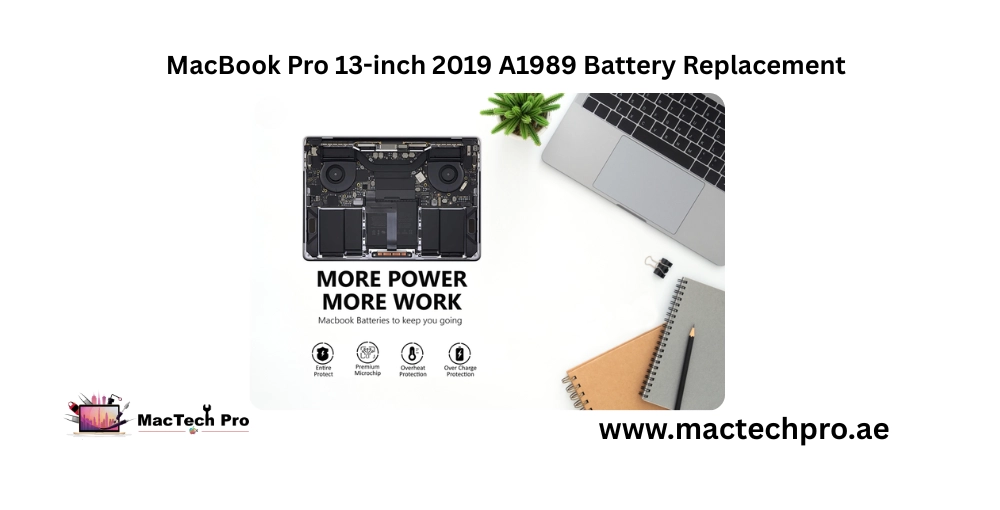
The A1989 is the 13-inch MacBook Pro sold across 2018 and 2019, and it's now firmly in the age range where the original battery gives out — one of the most common repairs MacTech Pro sees on this model. It's also one of the easiest to put right. MacTech Pro fits a fresh, full-capacity battery, removes the worn one safely, and gets your MacBook holding a proper charge again the same day. Below is everything about this model and its battery, and exactly how the replacement works here in Dubai.
| Detail | Information |
|---|---|
| Model | MacBook Pro 13-inch (2018 & 2019), 4 Thunderbolt ports |
| Model number | A1989 |
| Service | Battery replacement |
| Price | Message for today's price |
| Time | 2–3 hours |
| Warranty | 6 months |
| Live fixing | Yes — watch it done at MacTech Pro |
| Pickup & delivery | Yes — free across Dubai |
→ Want today's price and a booking? WhatsApp MacTech Pro — done in 2–3 hours.
Quick check before booking, so you get the right battery. The A1989 is the 13-inch MacBook Pro from 2018 and 2019 — the four-Thunderbolt-port model, with the Touch Bar and an Intel processor. The same A1989 number covers both the 2018 and 2019 releases, so don't worry if you're unsure which year yours is; the battery is the same.
To confirm: turn the MacBook over and read the small text along the bottom edge — it will say "Model A1989". You can also click the Apple menu and choose About This Mac. The A1989 is easy to confuse with the 2019 A2159 and the 2020 A2289, which look almost identical; if your number turns out to be one of those, no problem — MacTech Pro replaces the battery on all of them; just tell us your exact model and we'll quote the right one.
Your MacBook's battery is built from lithium-polymer cells, and each charge-and-drain counts toward a "cycle." Apple rates the A1989's battery for around 1,000 full cycles before it's considered consumed. An A1989 has now had six or seven years of daily charging, so a great many of these batteries are simply at the natural end of their life — holding a fraction of what they did when new.
Heat speeds that wear up, and Dubai's climate means batteries here often age faster than the cycle count alone suggests. It's not a fault with your Mac — it's ordinary ageing, and the fix is simply a fresh battery. When you come to MacTech Pro, that's exactly what you get: new full-capacity cells matched to the A1989, never a tired or generic pack.
Worth being straight about: because the A1989 is now several years old, swollen batteries are common on this model. A swelling battery pushes up on the trackpad and the bottom case, so the first signs are often a trackpad that clicks oddly or won't click, or a MacBook that no longer sits flat.
⚠️ If you notice that, stop charging the MacBook and bring it to MacTech Pro promptly — a swollen lithium battery is a safety matter, not just a performance one. MacTech Pro removes and replaces swollen batteries safely, including proper disposal of the old cells.
If any of these sound familiar, the battery is the cause — and MacTech Pro will confirm it for free:
New cells matched to the A1989's original specification.
Worn or swollen cells removed and disposed of correctly by MacTech Pro.
Your new battery starts fresh, exactly as it should.
MacTech Pro verifies the new battery reads correctly before handover.
Written warranty on the battery and the workmanship.
Years of dust cleared while we're inside, no extra charge — which also helps an older MacBook run cooler.
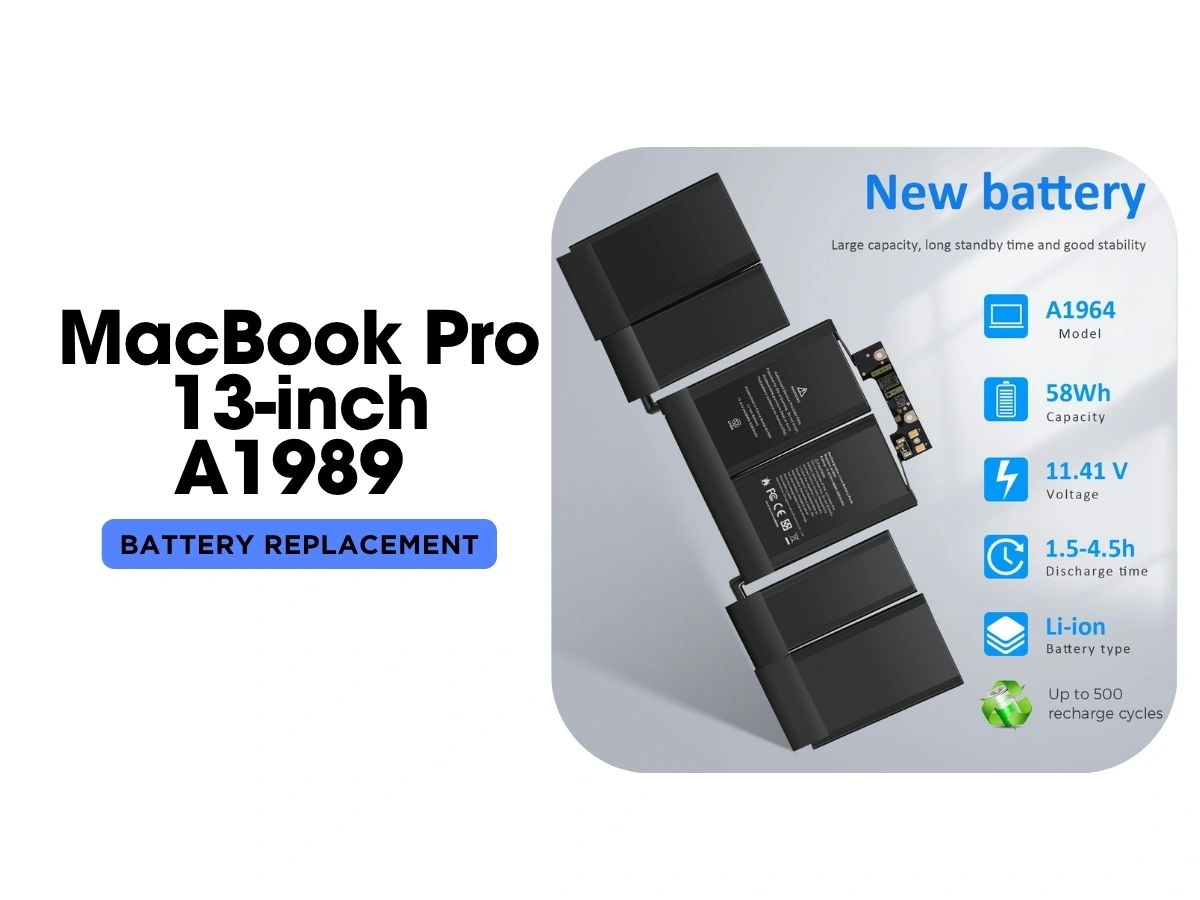
Bring your MacBook to MacTech Pro and watch the whole replacement happen in front of you, usually within 2–3 hours. If you like seeing exactly what goes into your machine, choose this one.
Short on time? MacTech Pro collects your MacBook from your home, office, or hotel anywhere in Dubai, replaces the battery, and delivers it back — all free of charge.
Leave it with MacTech Pro and collect the same day — the battery is typically ready in a couple of hours.
→ Pick whatever fits your day — message MacTech Pro to arrange it.
MacTech Pro confirms the battery is the issue (not the charger or a board fault) and confirms your A1989 model — at no cost.
Agreed upfront before any work — no surprises later.
The old battery is safely removed and a fresh full-capacity battery installed on an ESD-safe bench.
Cycle count reset to zero, battery health verified, internal dust cleaned.
Watch it done, collect the same day, or have MacTech Pro deliver it across Dubai.
Confirmed before any work — no hidden add-ons.
Most batteries done in a single visit.
Backed by MacTech Pro in writing.
Watch your Mac being worked on at MacTech Pro.
Marina, Downtown, Business Bay, JLT, Jumeirah, Deira, Al Barsha and beyond.
MacTech Pro is led by Dan, one of the best Mac technicians in Dubai.
Two quick steps — tell us about your MacBook Pro, then how to reach you. Free diagnosis, written quote, 90-day warranty.
Tap “Send on WhatsApp” and your details are pre-filled in a message to our team. We reply with a free written quote — no obligation.
Real reviews from MacBook Pro owners across Dubai who trusted us with their screen repair.