
MacBook Overheating or Fan Always Loud? Causes and Fixes
Hot to the touch, fans roaring even on light tasks? That's your Mac fighting heat, and in Dubai, dust and climate make it worse. Here's how to cool it down.
Free diagnosis · Pickup & delivery across Dubai · 380+ reviews
Updated May 2026 · Written & reviewed by Dan, board-level Mac engineer
Quick Answer
If your MacBook overheats with loud fans, first check Activity Monitor (CPU tab) for a process maxing the chip and quit it; keep it on a hard, flat surface (not a bed or lap) so vents aren't blocked; and update macOS. If it runs hot even on light tasks, the cause is usually dust-clogged fans and dried thermal paste, a professional internal clean and fresh thermal paste at MacTech Pro usually restores normal temperatures, especially in dusty Dubai.
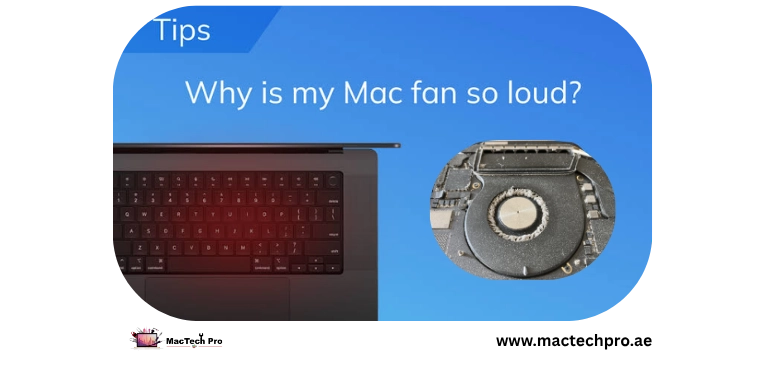
A loud fan isn't the problem, it's the symptom. The fan spins up because the chip is hot, and when it can't cool fast enough, macOS “throttles” (slows the Mac down) to protect itself. The causes split into software (something working the chip hard) and hardware (dust-clogged fans and dried thermal paste). Dubai adds its own pressure, ambient heat and fine dust both make overheating worse. Here's how to work through it. Applies to every MacBook Air and Pro, Intel and Apple Silicon (M1–M5).
Software or Hardware?
Tell them apart like this: if the heat tracks a specific heavy task (export, game, dozens of tabs) and settles afterwards, it's software/load. If the Mac runs hot and loud even when idle or on light work, it's almost certainly hardware, dust and old thermal paste.
Free Fixes to Try First
- Find the heat source. Activity Monitor > CPU. Sort by %CPU; quit anything stuck high (a runaway app, a sync tool, a browser process).
- Don't block the vents. MacBooks pull air through vents near the hinge. Using one on a bed, sofa, or lap traps heat. Use it on a hard, flat surface or a stand.
- Update macOS & apps. A buggy app or old build can peg the chip. Check Software Update, and give it an hour after a big update to finish indexing.
- Ease heavy tasks when it's hot. Gaming and video export run the chip hard. In a hot room, save those for cooler, air-conditioned conditions.
Why Dust and Thermal Paste Matter (Especially in Dubai)
Two physical things cause most chronic overheating. First, dust: Dubai's fine dust clogs the fans and vents over time, choking airflow, so heat has nowhere to go. Second, thermal paste: the paste that carries heat from the chip to the heatsink dries out over the years and stops transferring heat well. The result is a Mac that overheats and throttles even on simple tasks. A professional internal clean and a fresh thermal-paste application fixes both, and it's one of the most satisfying upgrades you can do to an older MacBook, it runs cooler, quieter, and faster.
Signs It Needs a Clean & Repaste
- Fans loud and constant, even on light tasks or at idle
- The Mac is hot to the touch near the hinge / underside
- It slows down (throttles) when it gets warm
- It's a few years old and has never been cleaned inside
- It shuts down from heat under load
How MacTech Pro Cools It Down
MacTech Pro, Dubai's most trusted MacBook service center with 380+ reviews, strips the Mac down, clears the dust-clogged fans and vents, and applies fresh high-grade thermal paste, led by Dan, one of the best Mac technicians in Dubai. We also check for a failing fan or a thermal sensor fault if needed. Most machines come back noticeably cooler, quieter, and faster. Free diagnosis, pickup and delivery across Dubai.
Frequently Asked Questions
Related repairs & guides
MacTech Pro — MacBook cooling specialists in Dubai. Fan cleaning, thermal repaste, thermal-fault diagnosis. 380+ reviews. Led by Dan.