
MacBook Not Charging? Causes, Fixes, and When to Get Help
Plugged in, but the battery isn't moving? Most charging problems come down to one of four things, and you can rule out the simple ones in a couple of minutes.
Free diagnosis · Pickup & delivery across Dubai · 380+ reviews
Updated June 2026 · Written & reviewed by Dan, board-level Mac engineer
Quick Answer
Most MacBook charging problems are one of four things: a faulty cable or adapter, a dirty or damaged USB-C / MagSafe port, an ageing battery, or a charging-IC fault on the logic board. Start simple, try another charger and cable, clean the port, and do a hard reset (hold power ~10 seconds, then press again). If it still won't charge, it's usually the battery, the port, or a charging chip, all of which MacTech Pro diagnoses free and repairs at component level, often same day.
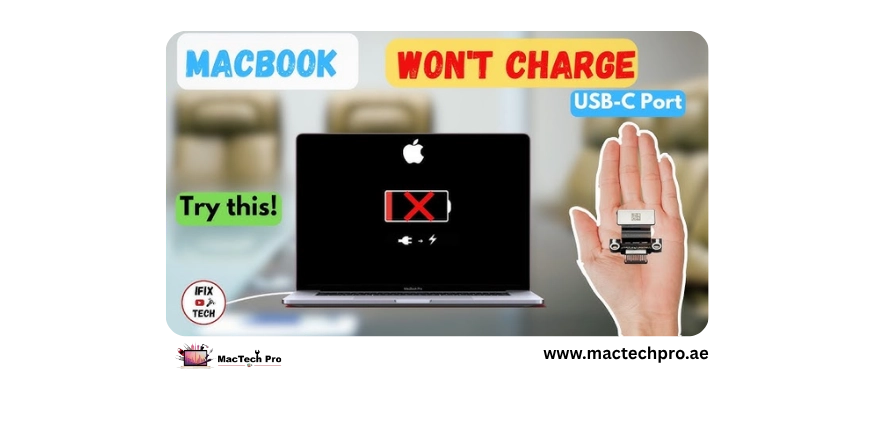
A MacBook that won't charge is one of the most common faults there is, and the good news is it's often something minor: a worn cable, a dusty port, or a setting doing exactly what Apple designed it to do. Only some cases are a genuine hardware fault, and even those are usually a single component, the battery, the charging port, or a charging chip, not a dead machine. Work through this in order. It applies to every MacBook Air and Pro, Intel and Apple Silicon (M1–M5).
First, What's Actually Happening?
“Won't charge” covers several faults. Spotting which one saves time:
- Charges only at certain cable angles → worn cable or a loose USB-C port.
- “Not Charging” while plugged in → battery health, a power setting, or a power-management fault.
- No charge light, Mac dead too → dead charger/cable, drained battery, or a charging-IC fault.
- Charges, then stops or drains → an ageing battery.
The Fixes, In Order
- Try another charger and cable. A failed cable is the single most common culprit. Test a known-good Apple-rated adapter and cable.
- Check the socket and wattage. Different wall socket; make sure the adapter is the right wattage, an underpowered one may run the Mac but barely charge it.
- Clean the charging port. Power off, then gently clear dust or lint from the USB-C / MagSafe port. Debris is a surprisingly common cause in dusty Dubai.
- Do a hard reset. Hold the power (or Touch ID) button ~10 seconds, release, then press again. On M1–M5 this covers the old SMC reset and often clears a stuck charging state.
- Check battery settings & health. System Settings > Battery. “Not Charging” is sometimes macOS deliberately holding the charge, not a fault.
- Charge undisturbed 30+ minutes. A deeply drained battery can take a while to show progress.
Battery, Port, or Board? How to Tell
- The battery. Charges but drains fast, won't pass a set %, or shows “Service Recommended”, usually a worn battery.
- The charging port. Intermittent, only works at an angle, or the port feels loose, a common board-level repair.
- A charging IC. No charging response at all with a known-good charger, a failed charging chip, exactly MacTech Pro's specialty.
A proper diagnosis pins down which of the three it is, so you fix the right part the first time instead of replacing a cable, then a battery, then guessing.
If It Stopped Charging After a Spill or Drop
Treat that as a hardware-damage case, not a settings issue. Liquid can corrode the charging circuit, and continuing to plug it in spreads the damage. Power it off, leave it unplugged, and get it to MacTech Pro quickly, the port and charging ICs are repairable, but with liquid involved, speed matters.
How MacTech Pro Fixes Charging Faults
When it's not a cable or a setting, MacTech Pro, Dubai's most trusted MacBook service center with 380+ reviews, diagnoses the real cause and repairs the specific part, led by Dan, one of the best Mac technicians in Dubai. Charging-port and charging-IC repair at component level (cheaper than a board swap), genuine-grade battery replacement, often same day, free pickup across Dubai.
Frequently Asked Questions
Related repairs & guides
MacTech Pro — MacBook charging-fault specialists in Dubai. Port & IC repair, battery replacement, free diagnosis. 380+ reviews. Led by Dan.