
Plugged in, but the battery isn't moving? Most charging problems come down to one of four things — and you can rule out the simple ones in a couple of minutes.
Free honest diagnosis · Often same day · No fix, no charge
Diagnosed by Dan, Best Mac Technician in Dubai
Quick Answer
Most MacBook charging problems are one of four things: a faulty cable or adapter, a dirty or damaged USB-C/MagSafe port, an ageing battery, or a charging-IC fault on the logic board. Start simple — try another charger and cable, clean the port, and do a hard reset (hold power ~10 seconds, then press again). If it still won't charge, it's usually the battery, the port, or a charging IC, all of which MacTech Pro diagnoses free and repairs at component level, often same day.
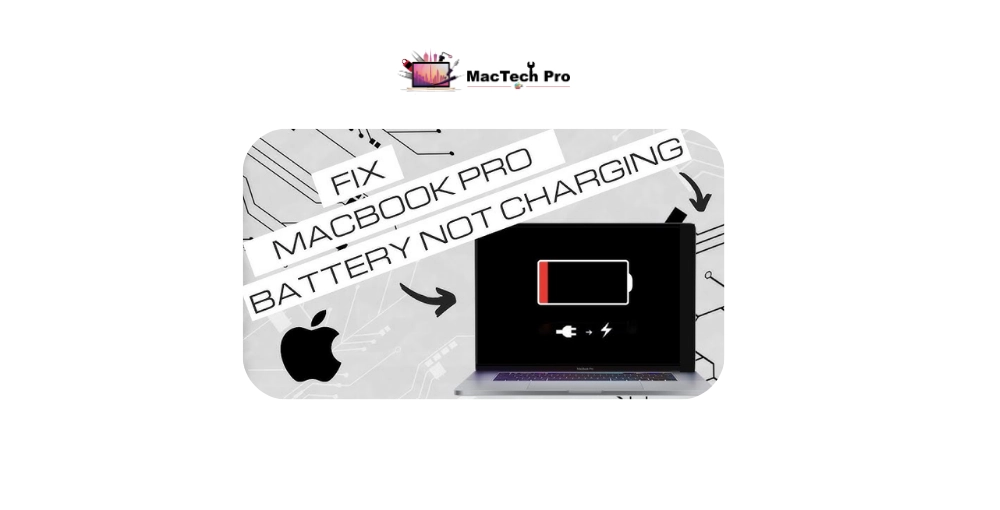
A MacBook that won't charge is one of the most common faults we see — and the good news is that it's often something minor: a worn-out cable, a dusty port, or a setting doing exactly what Apple designed it to do. Only some cases are a genuine hardware fault, and even those are usually a single component — the battery, the charging port, or a charging chip — rather than a dead machine. This guide walks you through the checks in the right order, explains what "Not Charging" really means, and shows when it's time for a proper repair. It applies to every MacBook Air and MacBook Pro, Intel and Apple Silicon (M1–M5).
"Won't charge" covers several different faults. Match what you're seeing to find the likely cause faster:
| What You See | Most Likely Cause |
|---|---|
| Charging cable/port works only at certain angles | Worn cable, or a loose/damaged USB-C charging port |
| "Not Charging" shown while plugged in | Battery health, a power-management fault, or a paused-charging setting |
| No charge light, Mac is dead too | Dead charger/cable, drained battery, or a charging-IC / board fault |
| Charges very slowly or stops at a % | Underpowered adapter, optimised-charging, or an ageing battery |
| Stopped charging after a spill or drop | Liquid or impact damage to the charging circuit — get it checked, stop retrying |
| Port feels loose, wobbly, or full of dust | Debris in the port or a physically damaged USB-C connector |
Work down the list — don't skip steps, each one rules out a cause.
→ Tried all of these and it still won't charge? Message MacTech Pro for a free, honest diagnosis — no fix, no charge.
When the simple fixes don't work, the fault is almost always one of three things — and the symptoms usually point to which:
If it charges but drains fast, won't pass a certain percentage, shows "Service Recommended", or shuts down with charge left — the battery is likely worn out. A quick replacement.
If charging is intermittent, only works at an angle, or the port feels loose or wobbly — the USB-C port (or its solder joints) is the likely cause. A common board-level repair.
If there's no charging response at all with a known-good charger, a charging-management chip may have failed — exactly the kind of component-level fault MacTech Pro specialises in.
A proper diagnosis pins down which of the three it is, so you fix the right part the first time — rather than replacing a cable, then a battery, then guessing.
Treat it as hardware damage — stop plugging it in
If the charging problem started right after liquid contact or a knock, treat it as a hardware-damage case, not a settings issue. Liquid can corrode the charging circuit, and continuing to plug it in can spread the damage.
Power it off, leave it unplugged, and get it to a specialist quickly. The charging port and charging ICs are repairable at component level — but with liquid involved, speed matters. See our water damage repair guide →
When it's not a cable or a setting, MacTech Pro — Dubai's most trusted MacBook service center with 380+ reviews — diagnoses the real cause and repairs the specific part, led by Dan, one of the best Mac technicians in Dubai.
We tell you whether it's the battery, the port, or a charging IC — and if it's just a cable, we'll say so.
Loose or dead USB-C ports and failed charging chips repaired at component level — not a full board swap.
Worn batteries replaced with proper cells, often the same visit.
Many charging repairs are quick, and we keep the parts in stock.
Marina, Downtown, JLT, Business Bay, Jumeirah, Deira, Al Barsha and beyond.
Your files stay put — charging repairs don't touch your storage or data.
Two quick steps — tell us about your MacBook Pro, then how to reach you. Free diagnosis, written quote, 90-day warranty.
Tap “Send on WhatsApp” and your details are pre-filled in a message to our team. We reply with a free written quote — no obligation.
Real reviews from MacBook Pro owners across Dubai who trusted us with their screen repair.